

Sai by Simular AI is a robosecretary that commands a fleet of autonomous computers to handle repetitive screen work. Each computer navigates software the way a human does—reading the screen, clicking buttons, and filling forms—so Sai can automate tasks even in apps without APIs, including legacy desktop applications, internal portals, and anything behind a login. It supports Windows, macOS, and Linux, and the team reports a 73% score on the OSWorld benchmark.
The autonomous computer fleet at your command
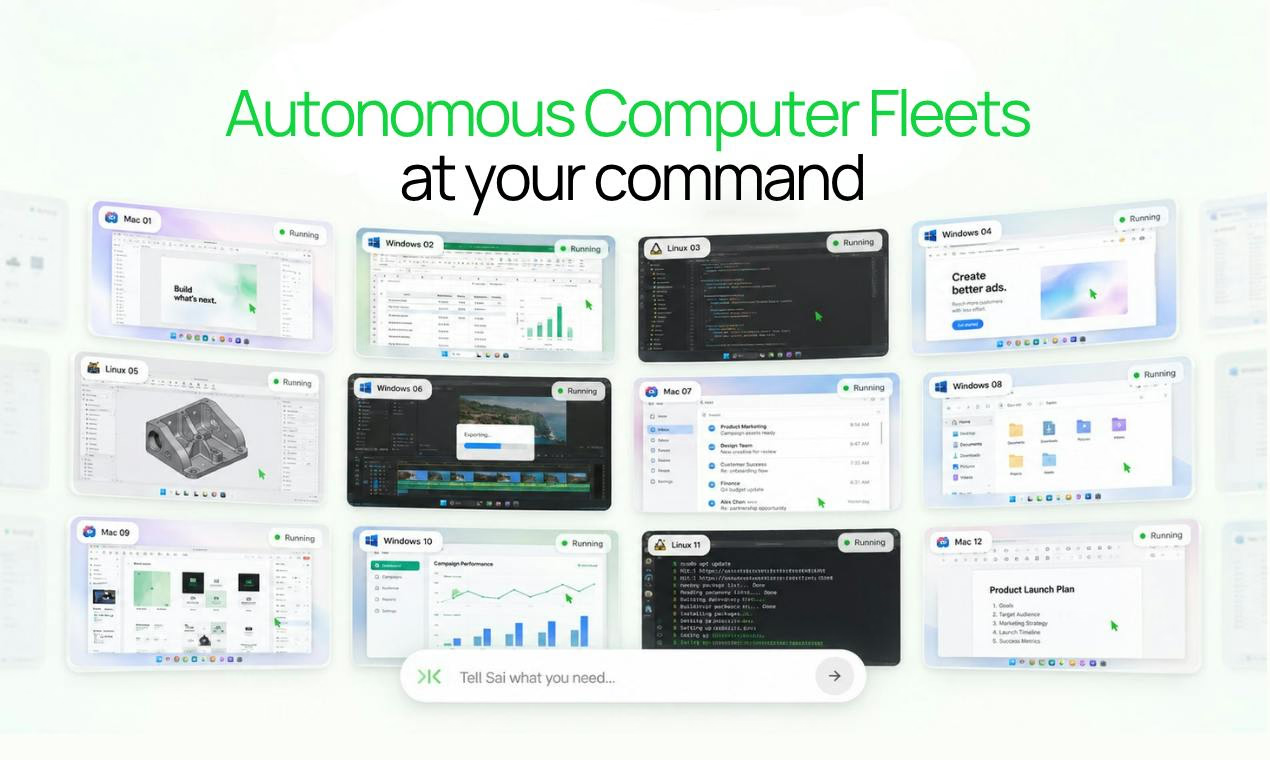
Sai Introduction
Key Features
- Fleet of autonomous computers that performs screen-based work on your behalf
- GUI-level automation that reads screens, clicks buttons, and fills forms
- Works with software lacking APIs, including legacy desktop apps and internal portals
- Can operate tools behind a login
- Cross-platform support for Windows, macOS, and Linux
Use Cases
- Automating repetitive tasks across desktop and web applications
- Working with legacy software that has no API access
- Handling form-filling and portal work on internal systems
- Delegating routine computer-based work to an AI agent
Why Startups Use It
Startups often rely on legacy tools, internal portals, and workflows that lack API integrations. Sai automates these screen-based tasks through the interface itself, letting lean teams offload repetitive computer work without building custom integrations.
Alternative Options
OpenAI Operator, Claude Computer Use, UiPath
Frequently Asked Questions
What is Sai?
Sai is an AI robosecretary by Simular AI that operates a fleet of autonomous computers to complete screen-based work across apps, websites, and desktop tools.
Does Sai require APIs to automate software?
No. Sai interacts with software through the graphical interface—reading the screen, clicking, and typing—so it can automate tools even when they lack APIs.
Which operating systems does Sai support?
Sai supports Windows, macOS, and Linux.
More About Sai
PricingPaid
Listed DateSep 26, 2026
Authority Badge
Add our badge to your website to showcase product credibility and listing status.

Featured List